Make Life Magical
Midjourney, ChatGPT
Make Life Magical (Made.Com AI Campaign - Concept)
Junior Designer AI Challenge
”If you can’t beat ‘em, join ‘em”
Brief:
Create a brand-led campaign for Made.com to showcase their stylish and unique homeware., using only AI tools. This includes Adobe Firefly, Midjourney, Gemini and ChatGPT, however touch-ups using the Adobe Creative Cloud are allowed.
Please deliver 2-3 final images, with at least one shown in real-world context (DOOH, OOH, bus wrap)
Solution:
”Make life magical”
80% ChatGPT, 15% MidJourney, 5% Photoshop
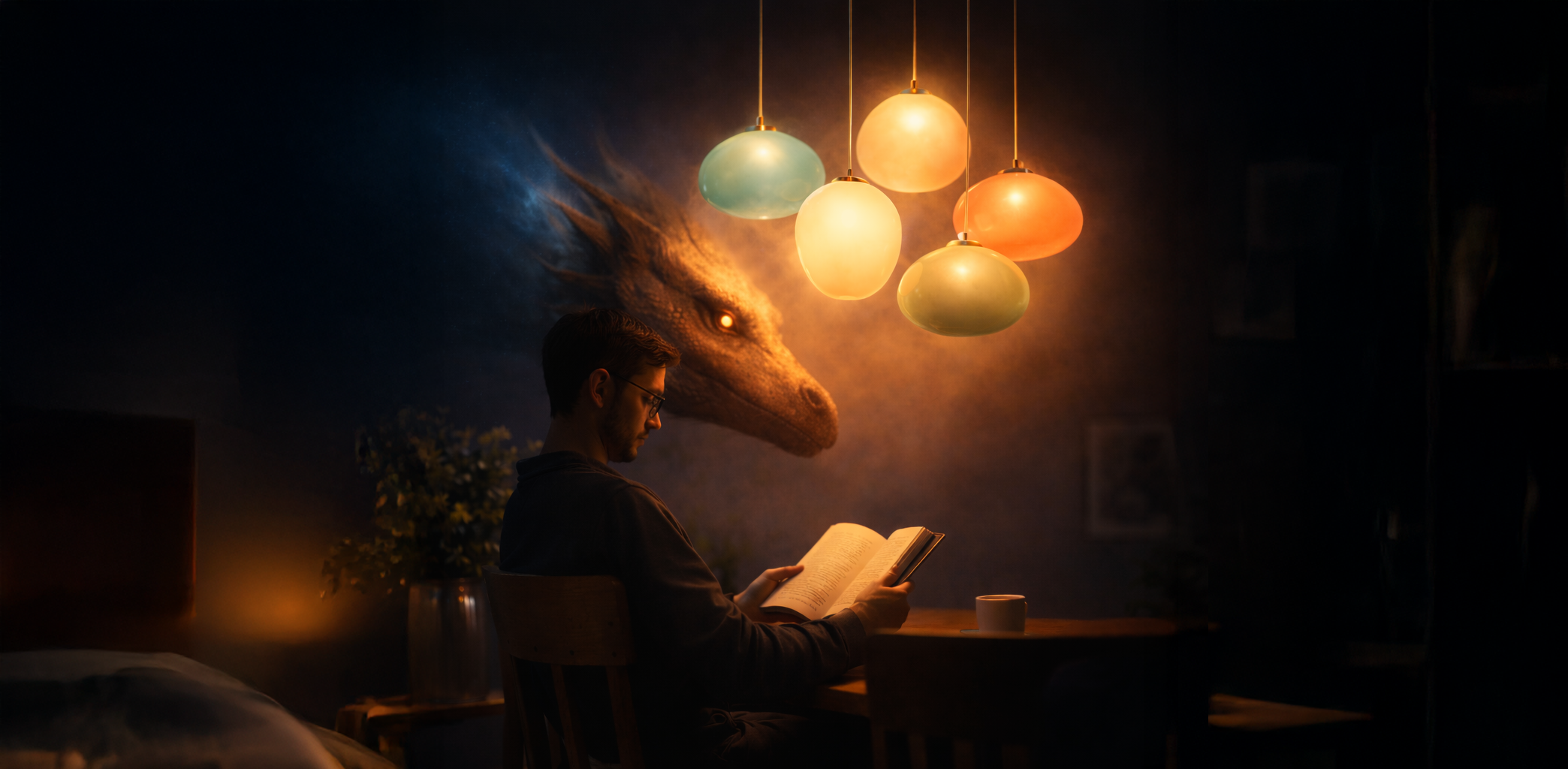
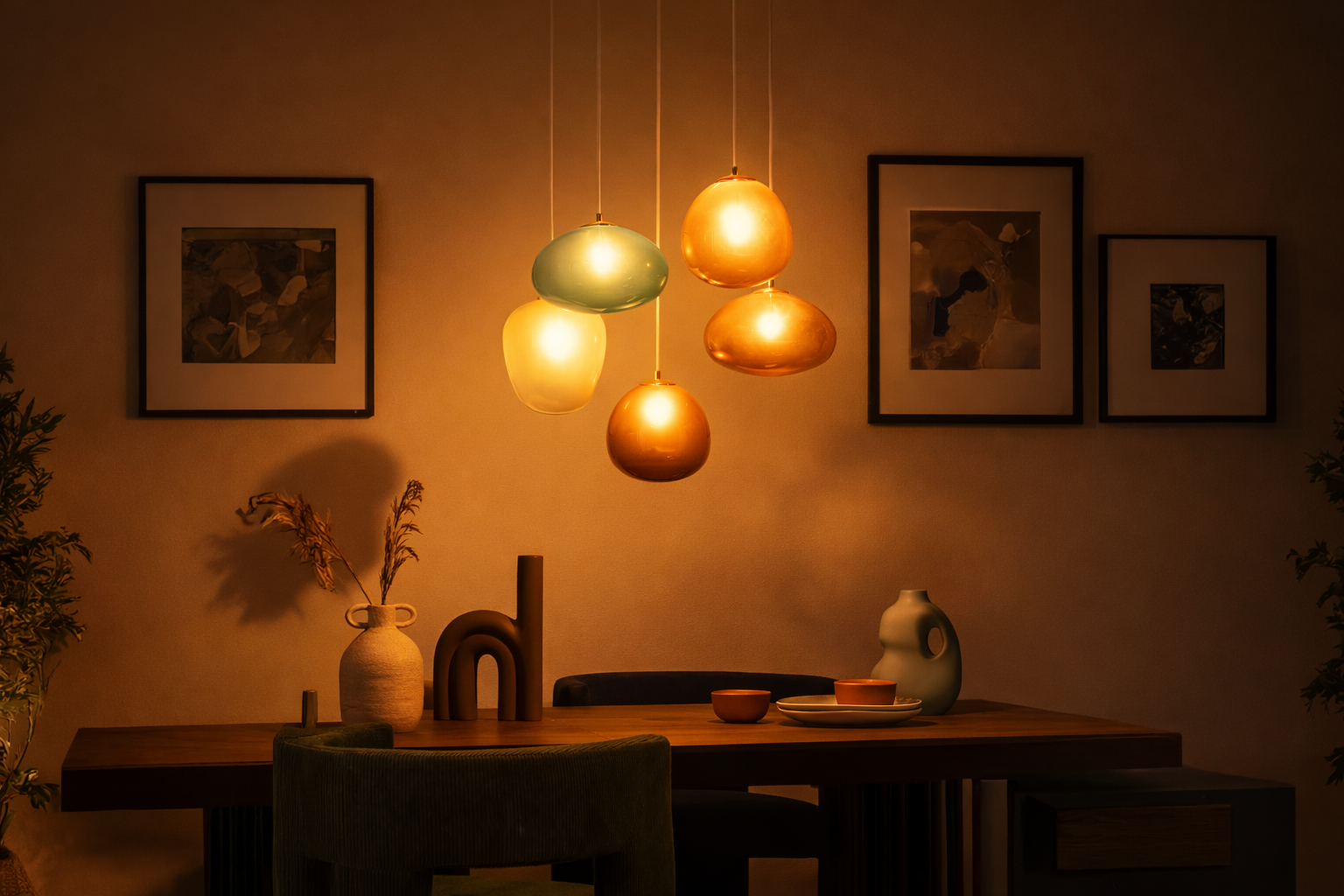
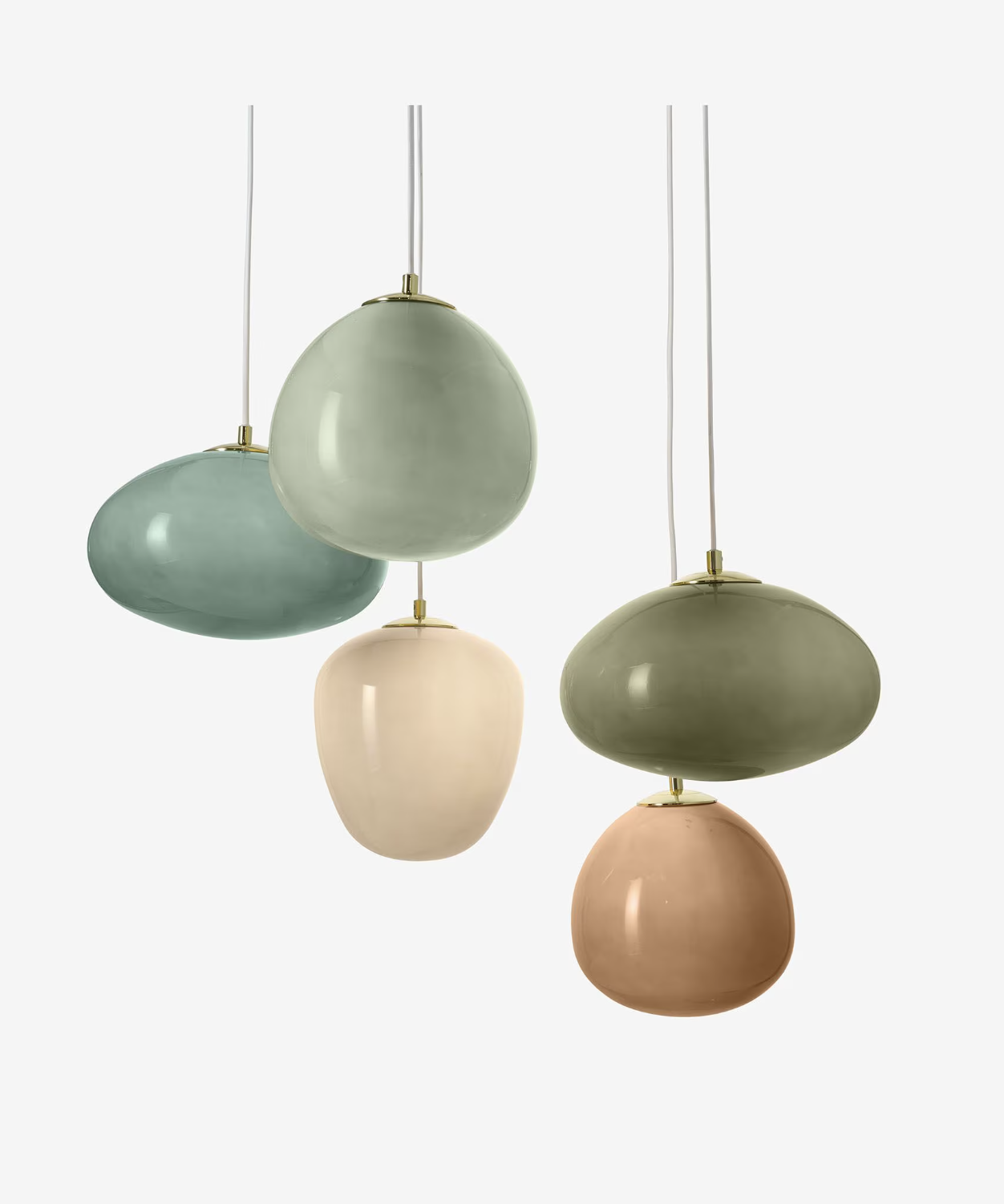
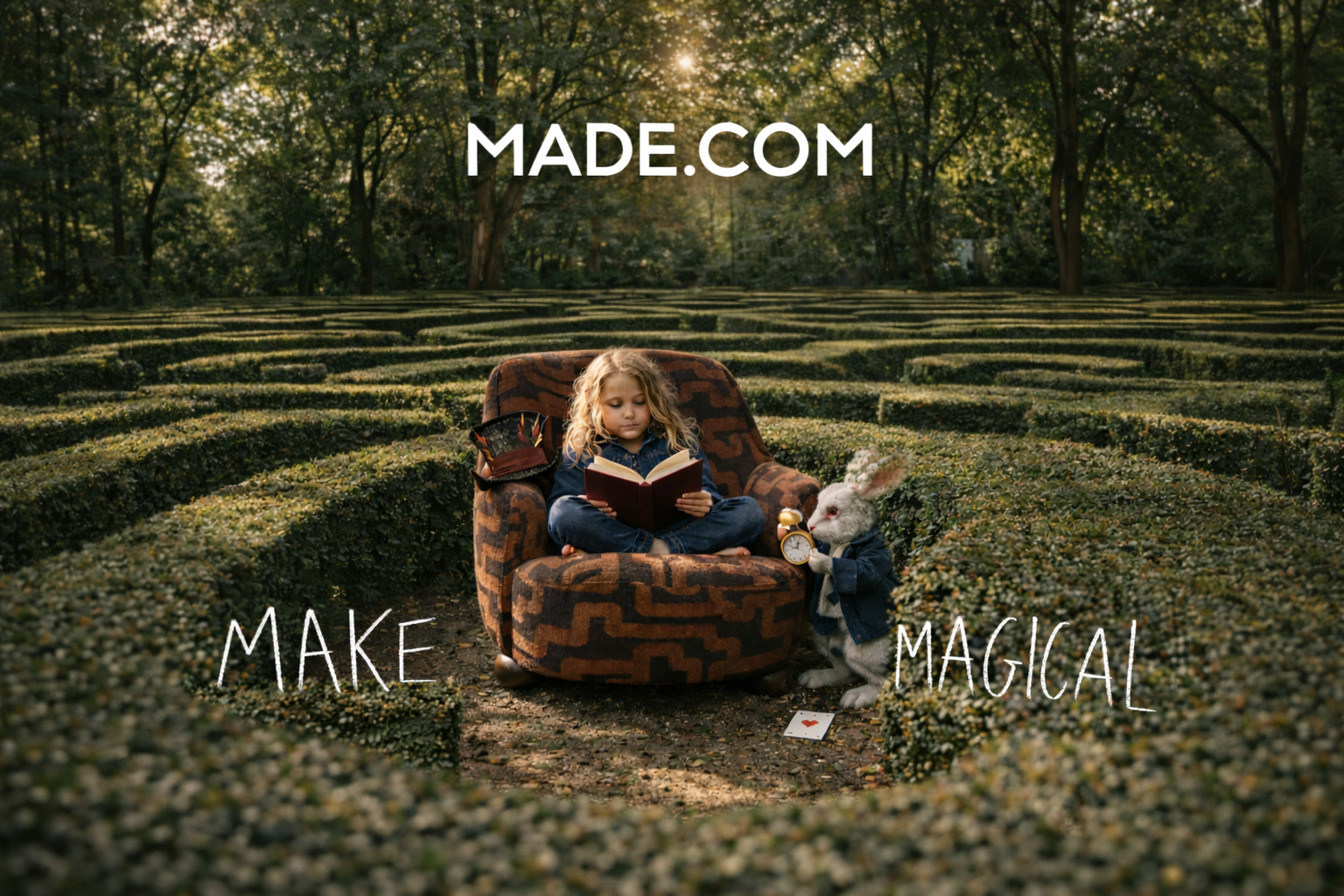
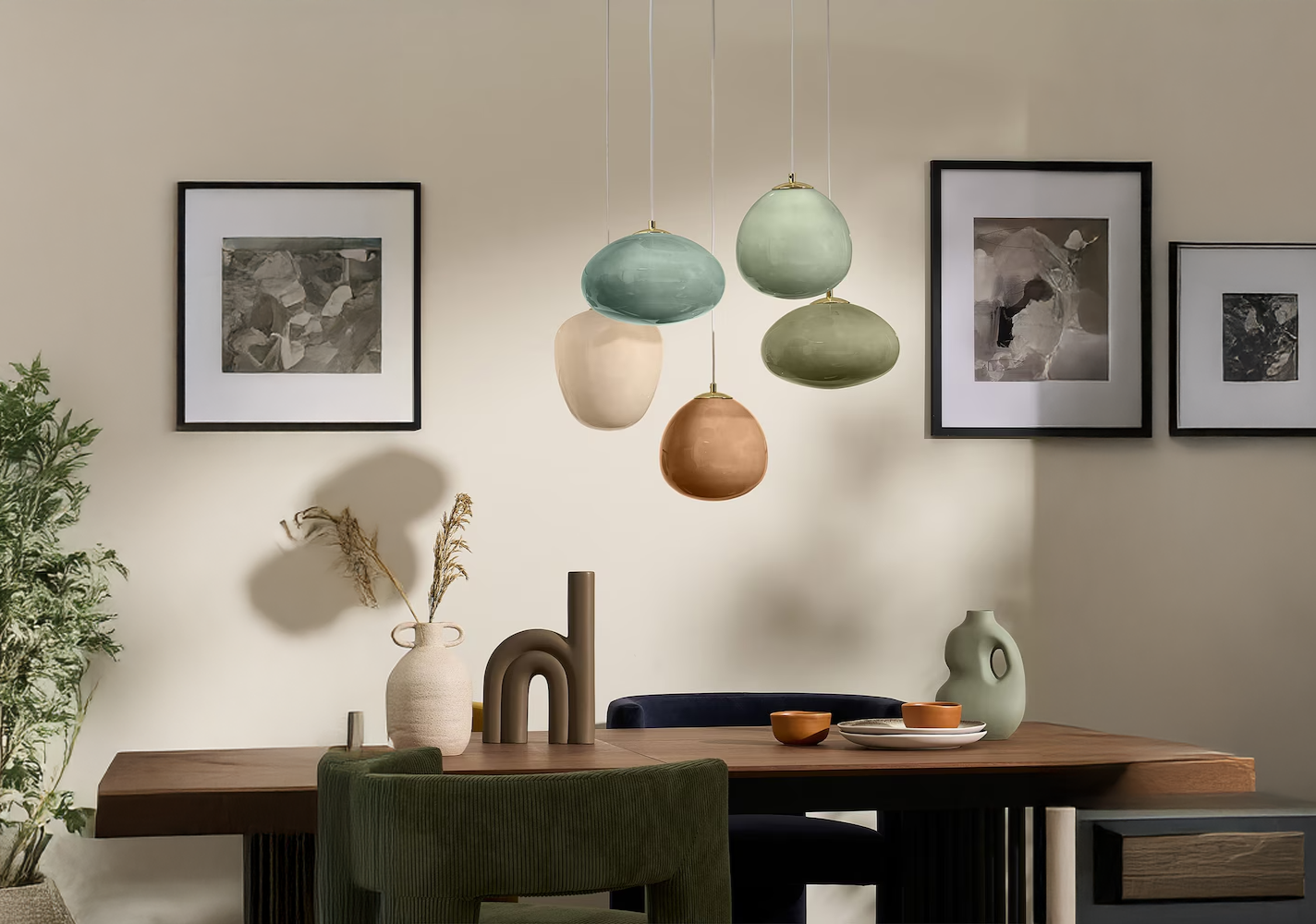
Make the ordinary magical through Made.com’s homeware. Whether our maze sofa brings Alice In Wonderland to life, or our lamps turn into dragon eggs, we show the beauty that our imagination can create.
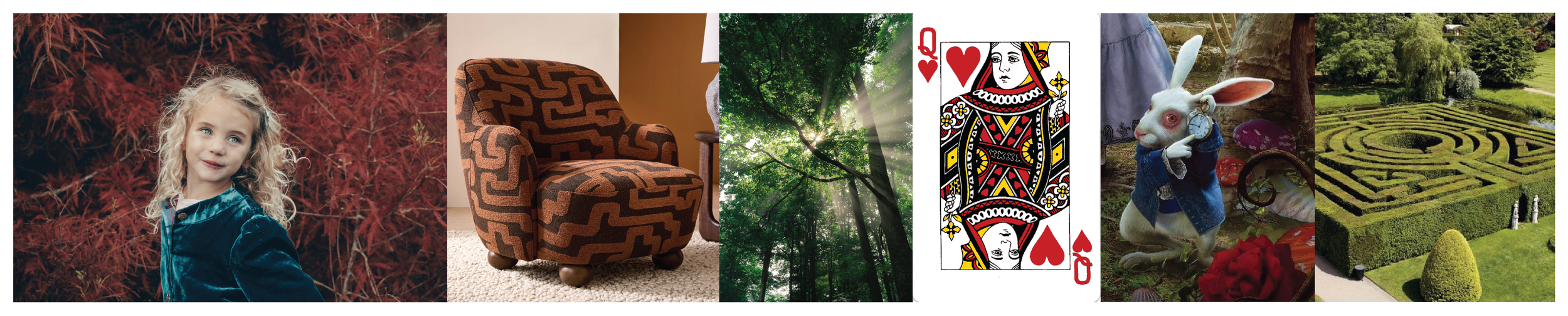
References
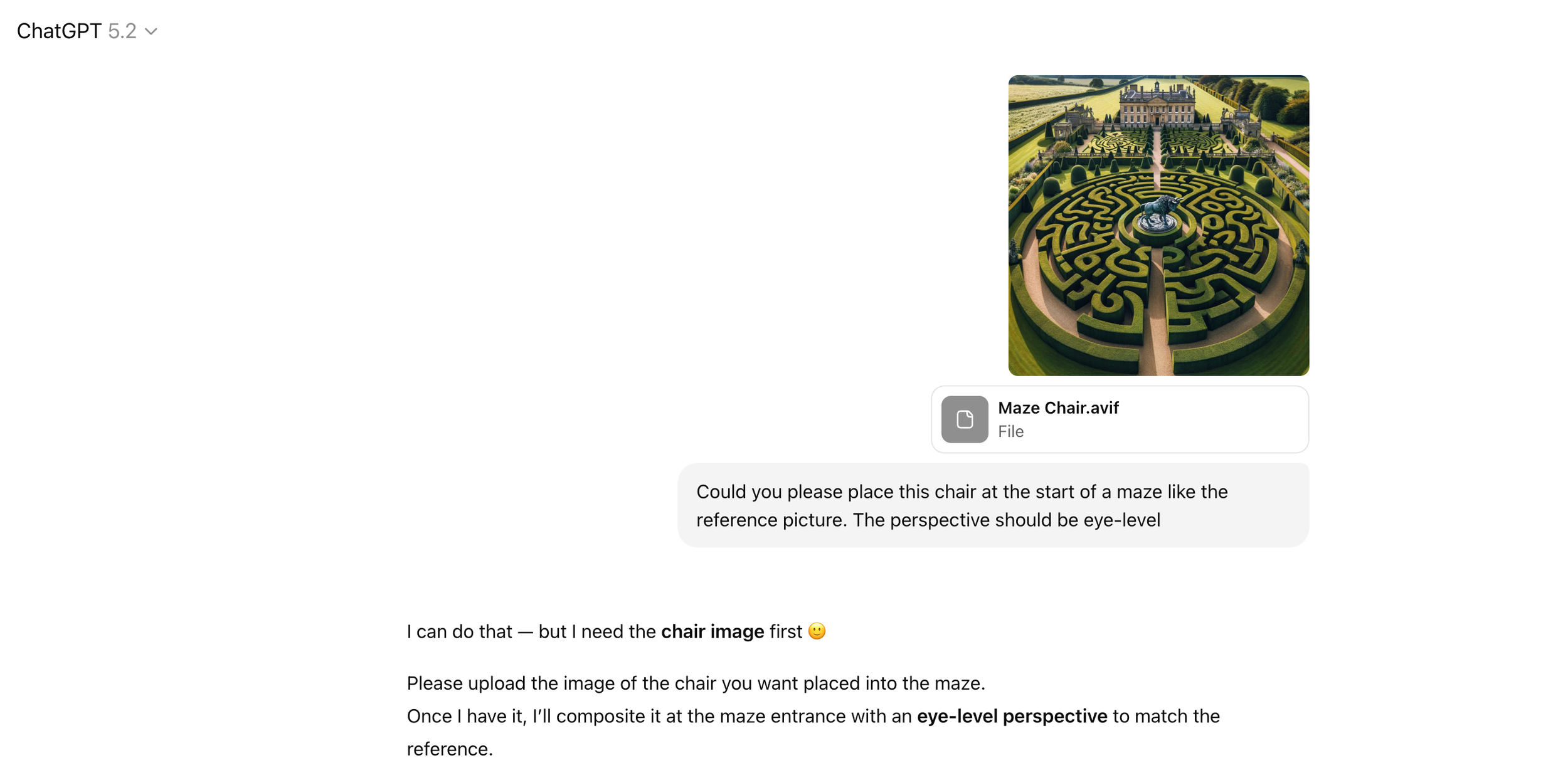
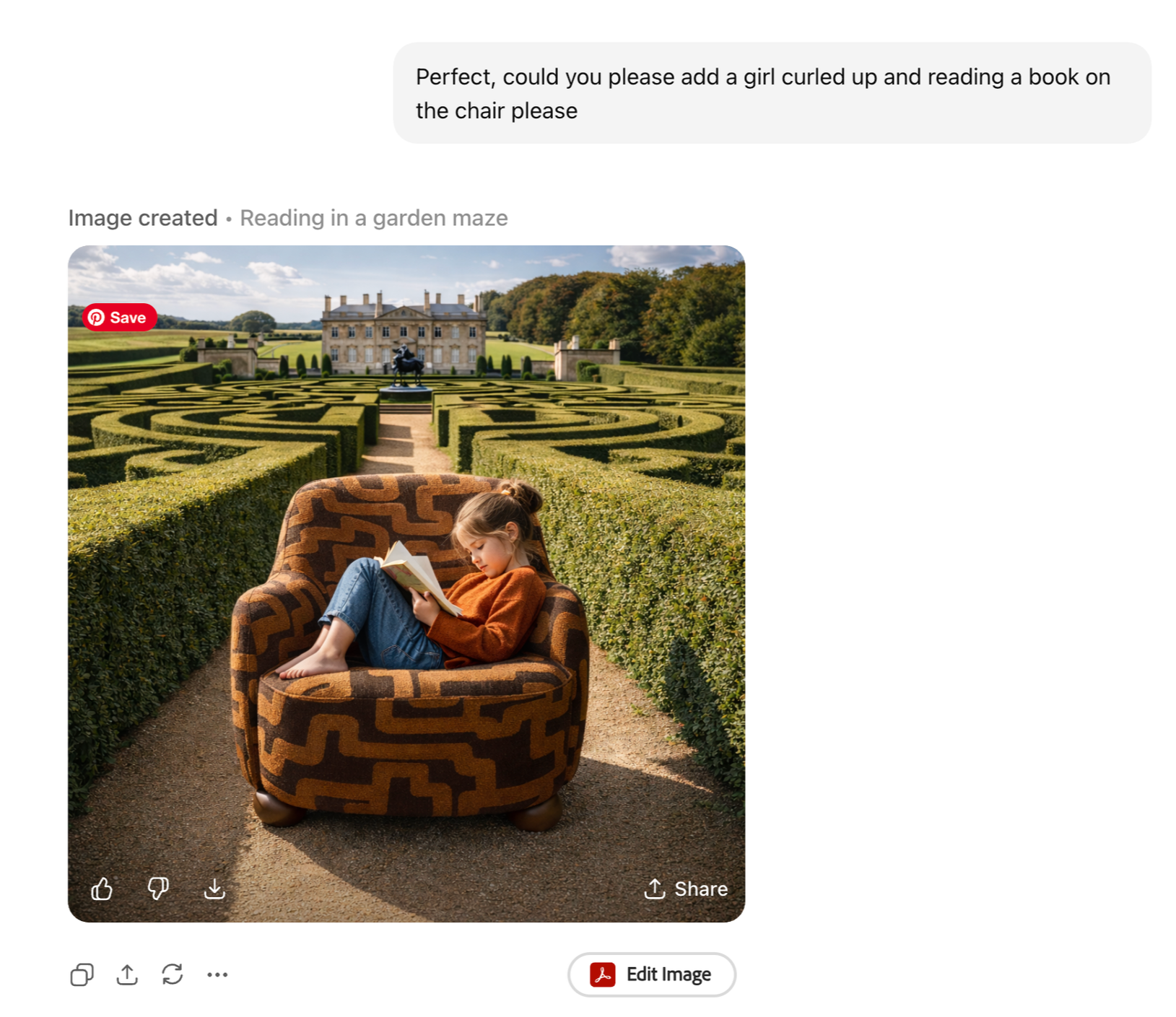
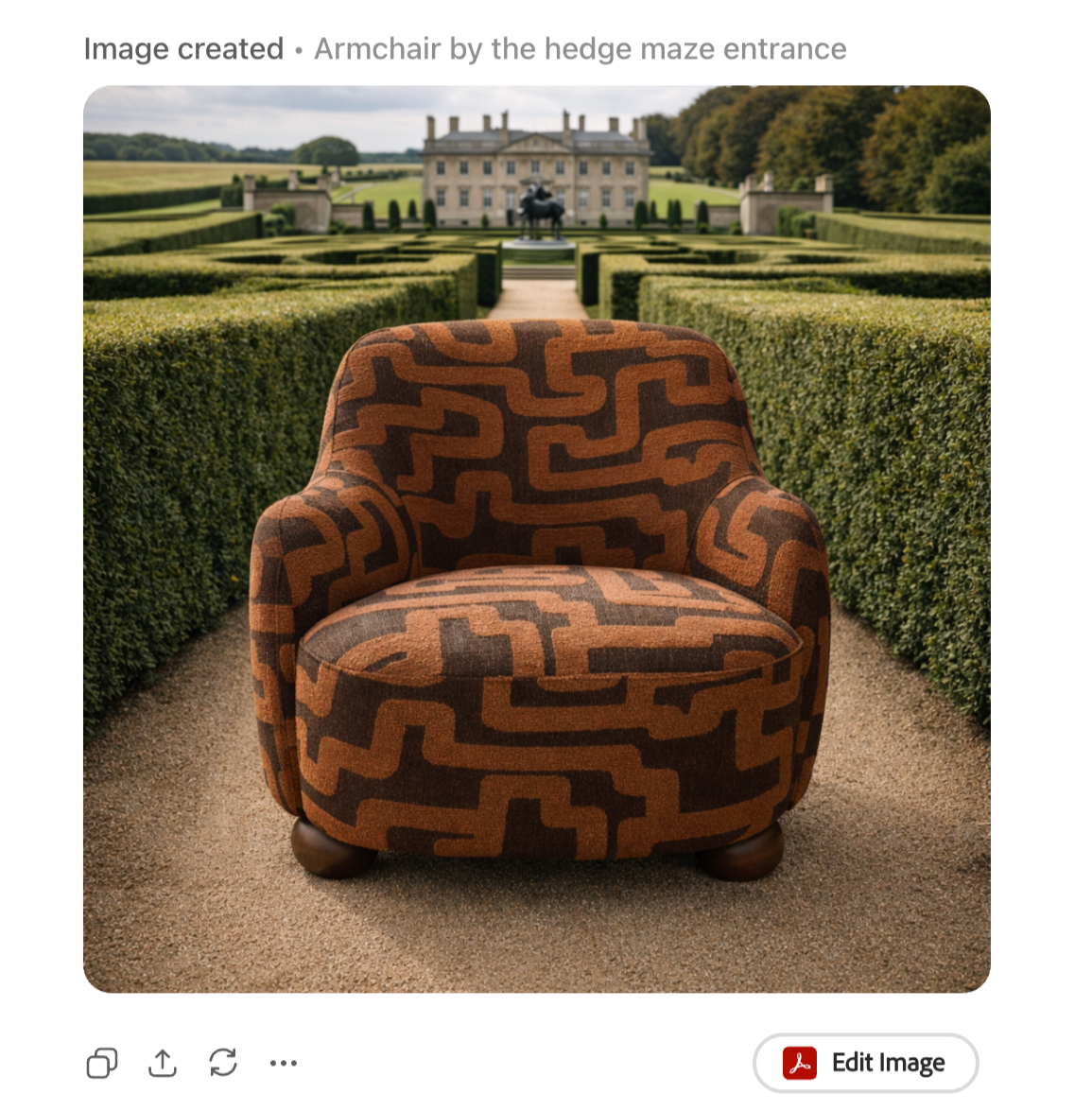
Initial Generations (ChatGPT)
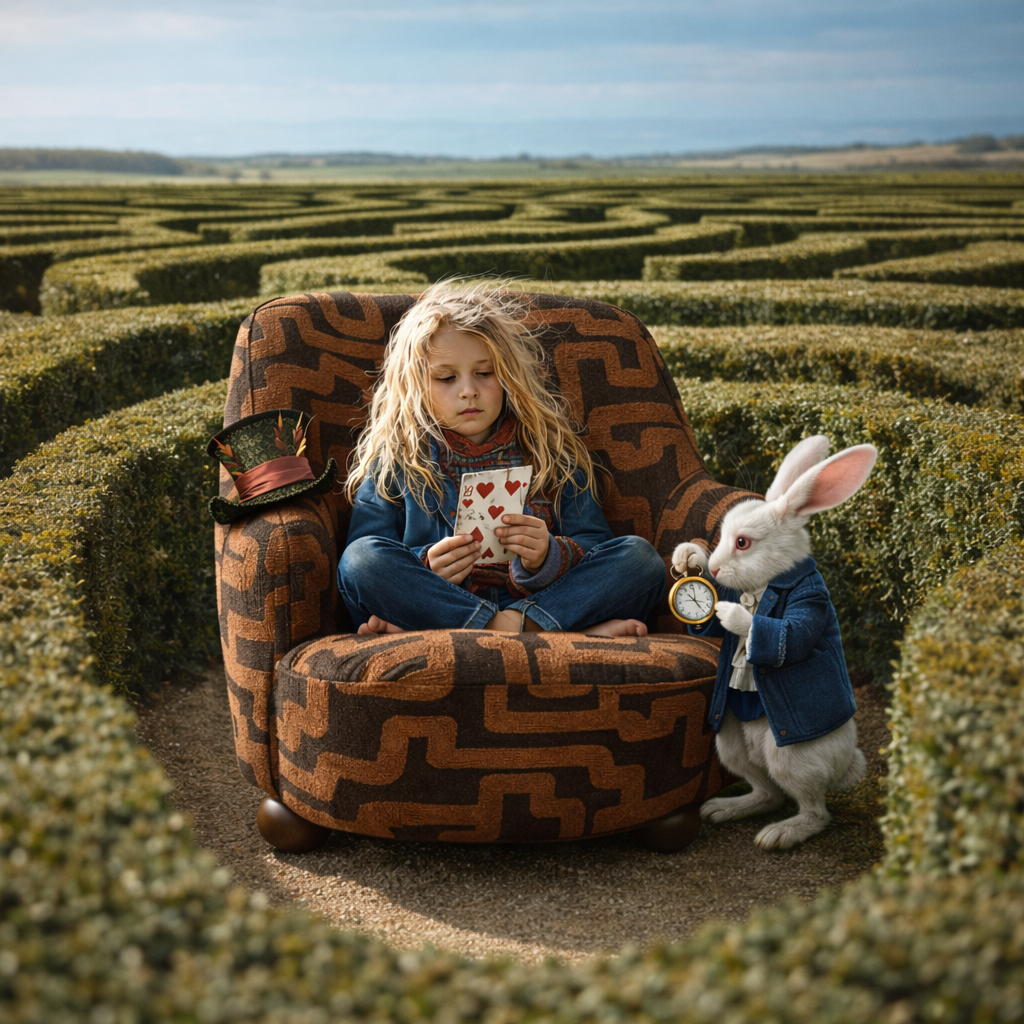
Initial Generations (Midjourney)
The ChatGPT initial generations were better than I originally thought they would be, however I was curious to see how Midjourney would tackle the same question.
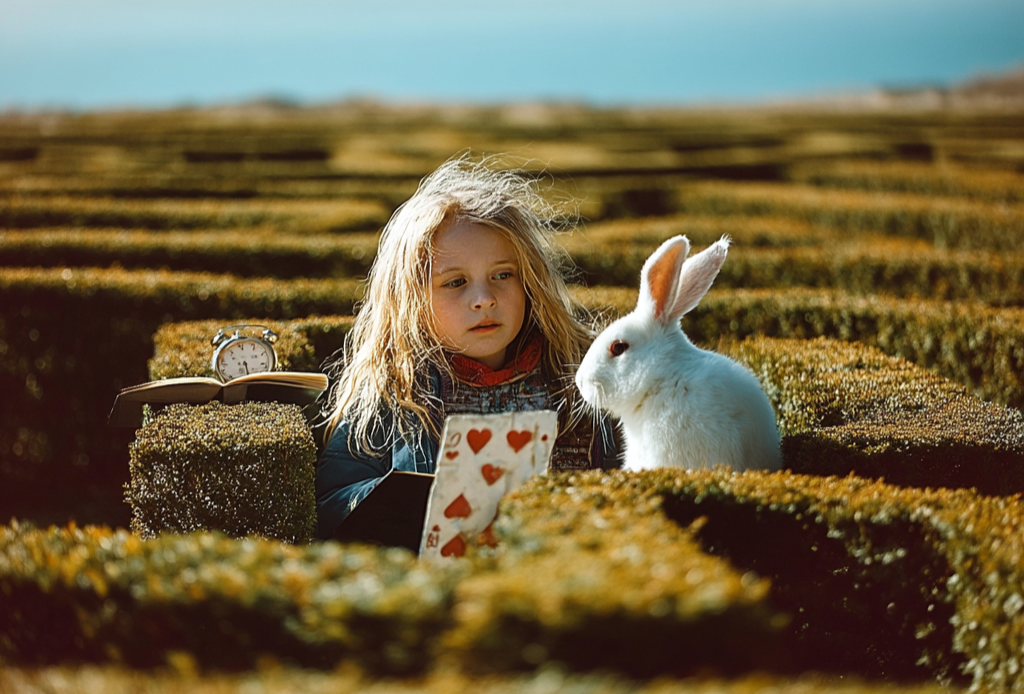
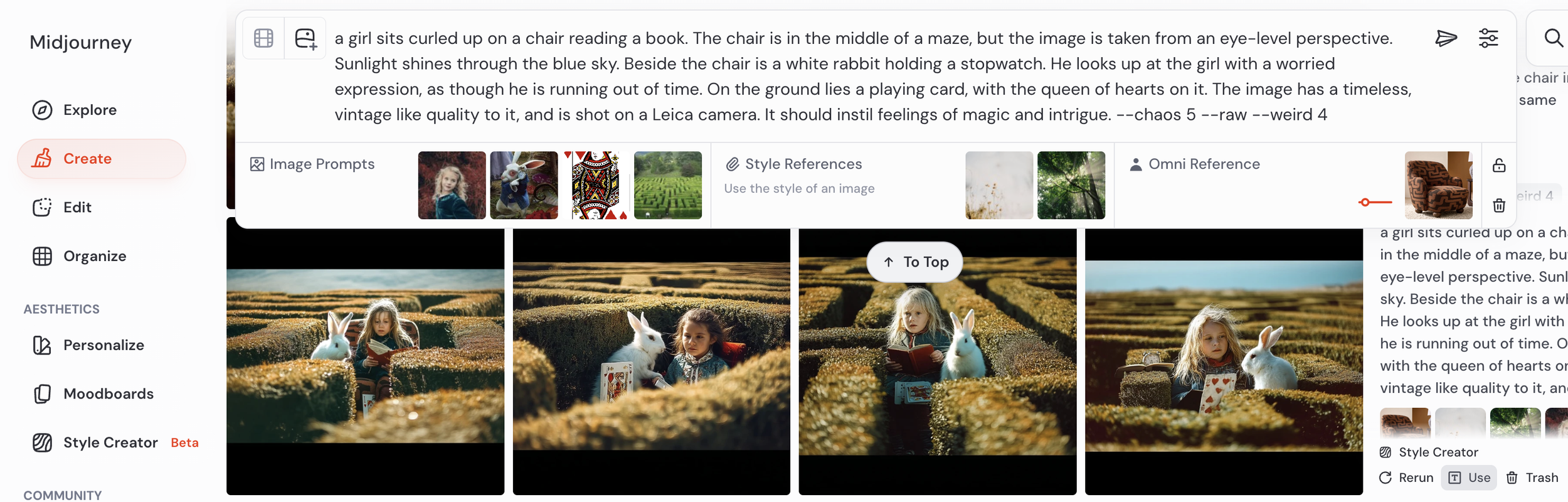
Second Generations (Midjourney)
Game of Thrones - Dragon Eggs
I used the references upfront in my image prompts, and tried to be as descriptive as possible to ensure the desired results. The results were interesting, they all had the right idea but the first three felt wrong, with the girls looking very AI-Generated.
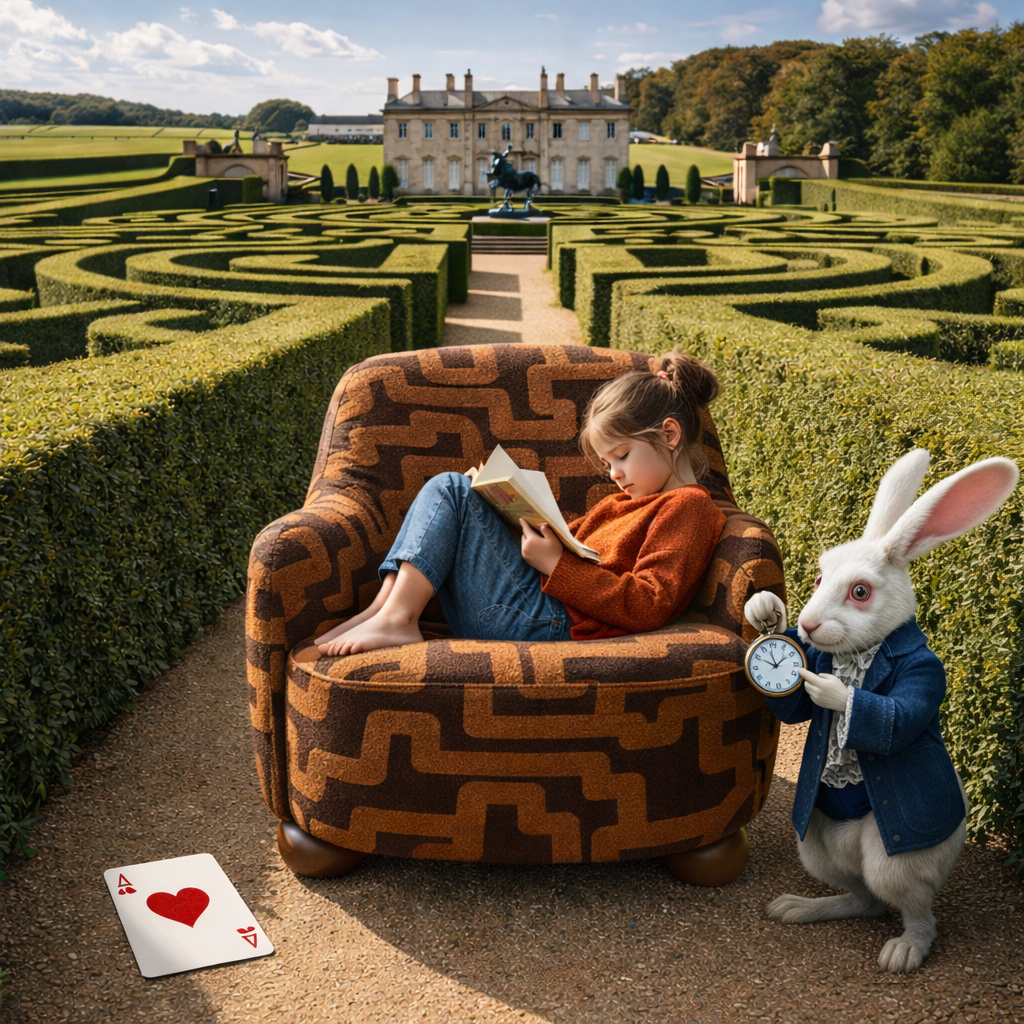
The fourth image however, had a really nice feel to it and the subject felt natural. There were parts that I needed to change, e.g. the random card placement and the fact that we couldn’t see the chair (the main point of the image) etc. but Midjourney captured the essence of what I wanted pretty well.


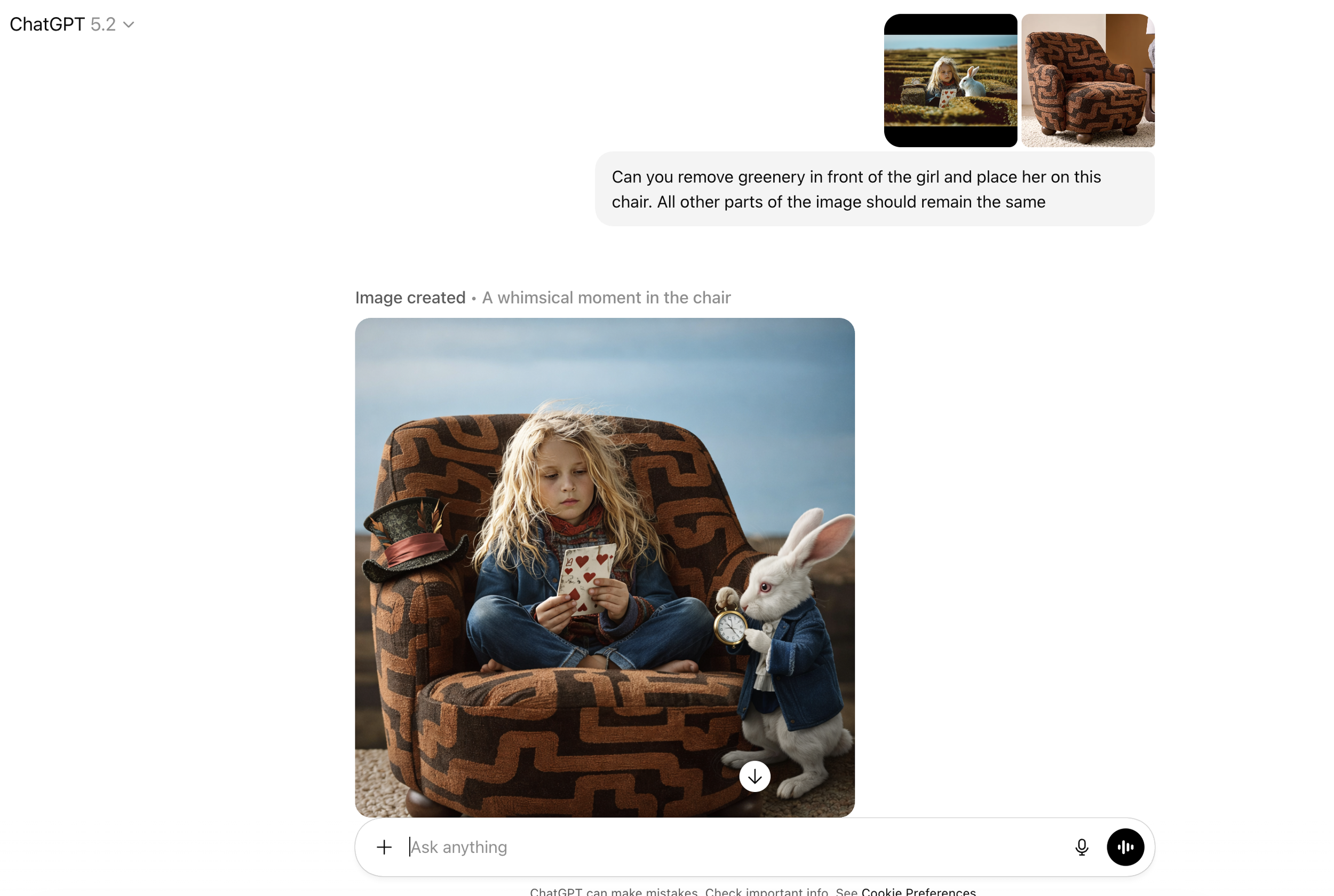
Second Generations (ChatGPT)
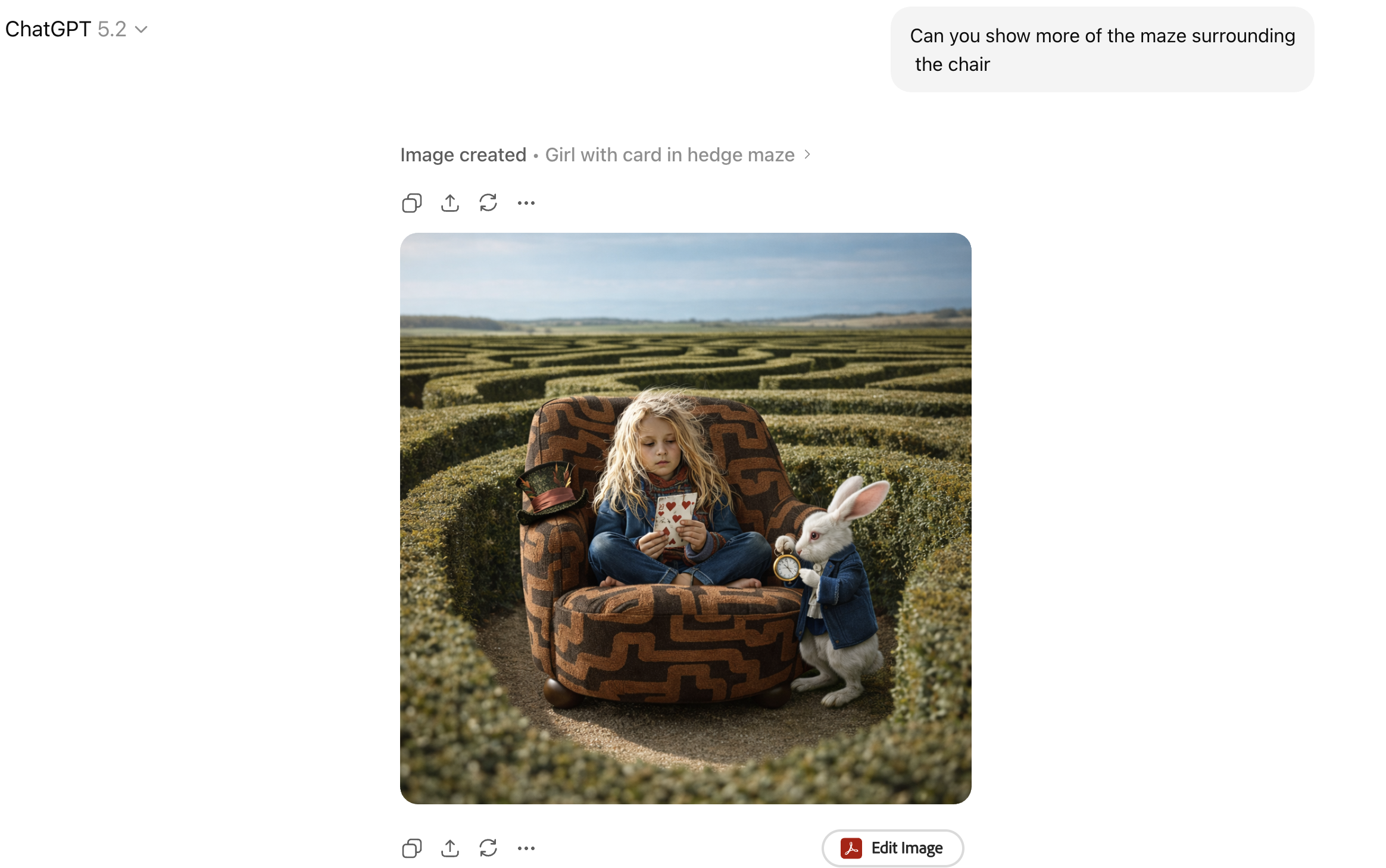
Third Generations (ChatGPT)
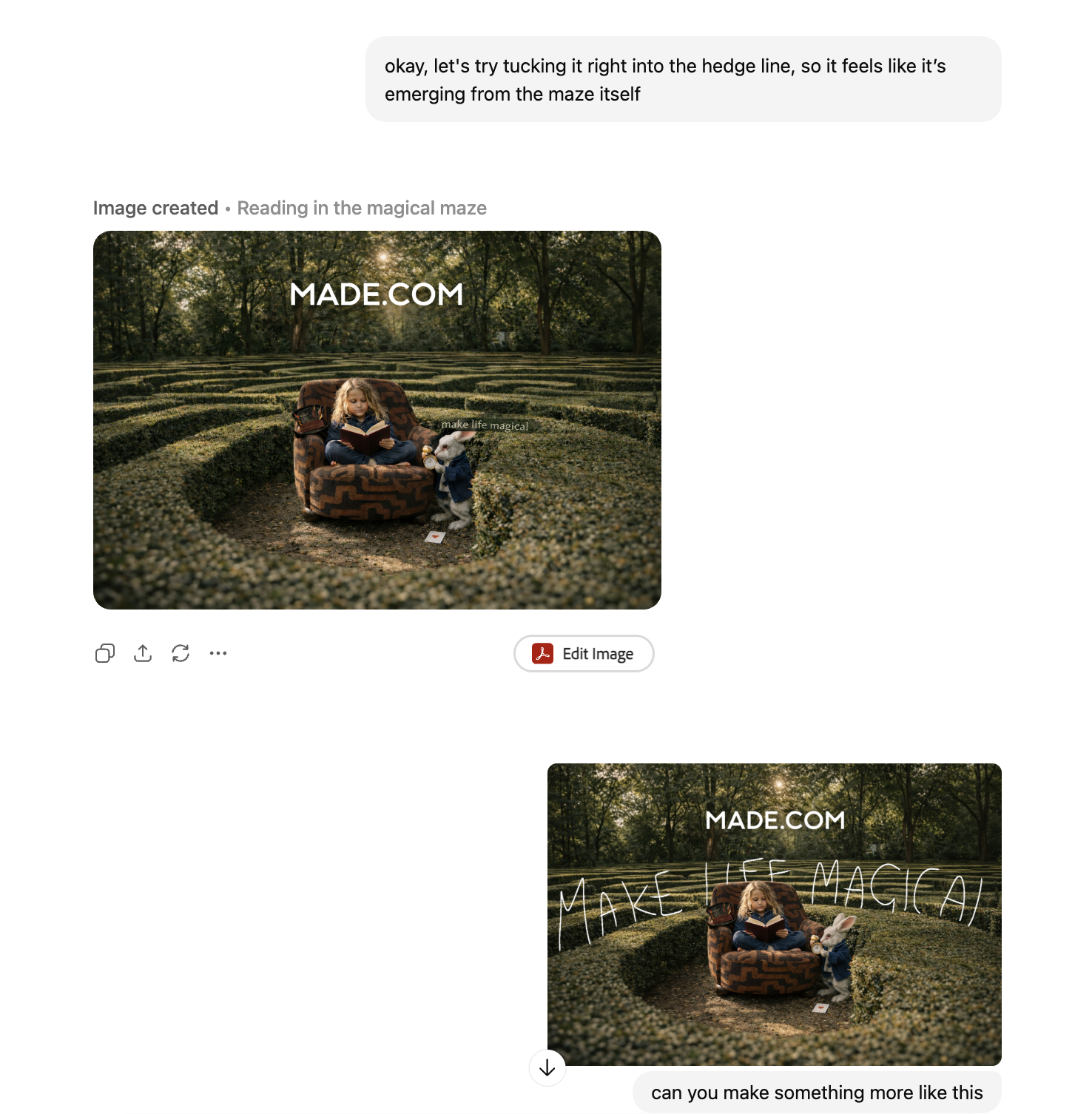
Final Alterations (ChatGPT)
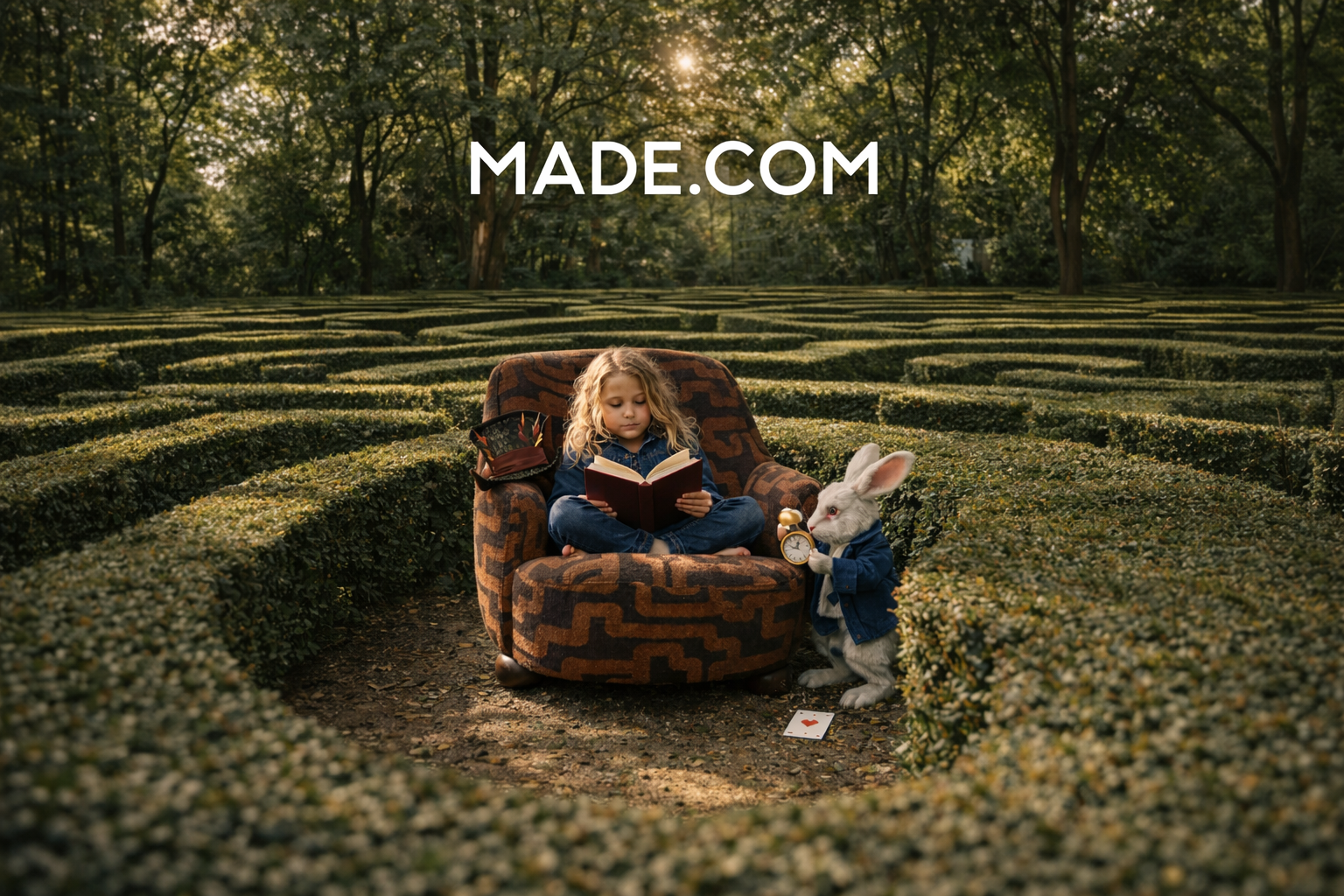
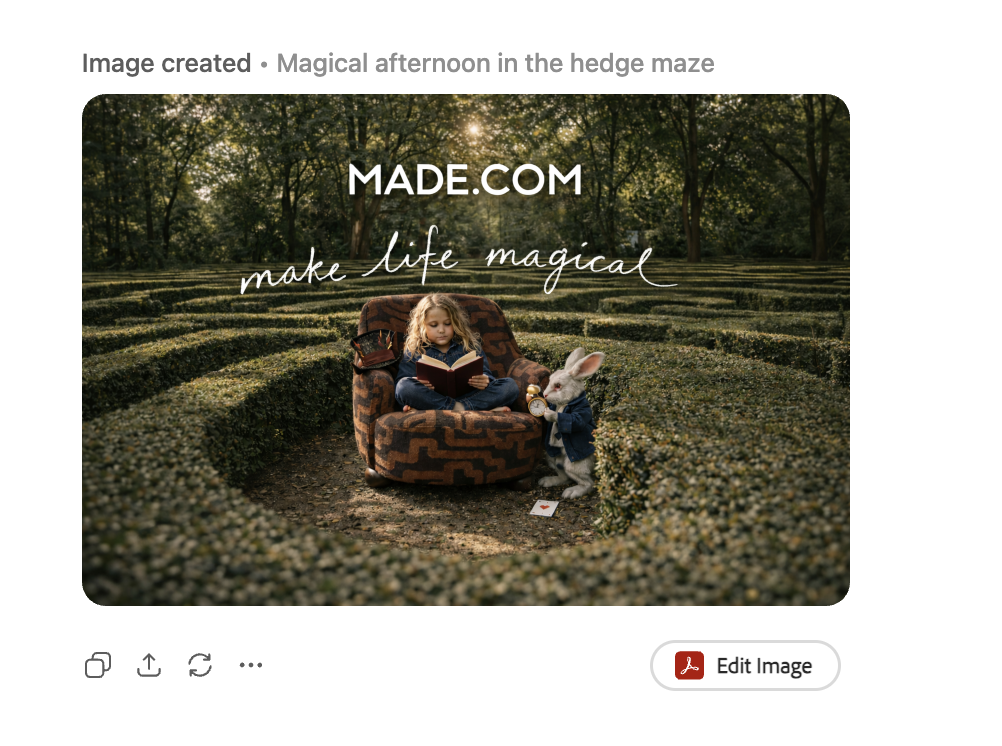
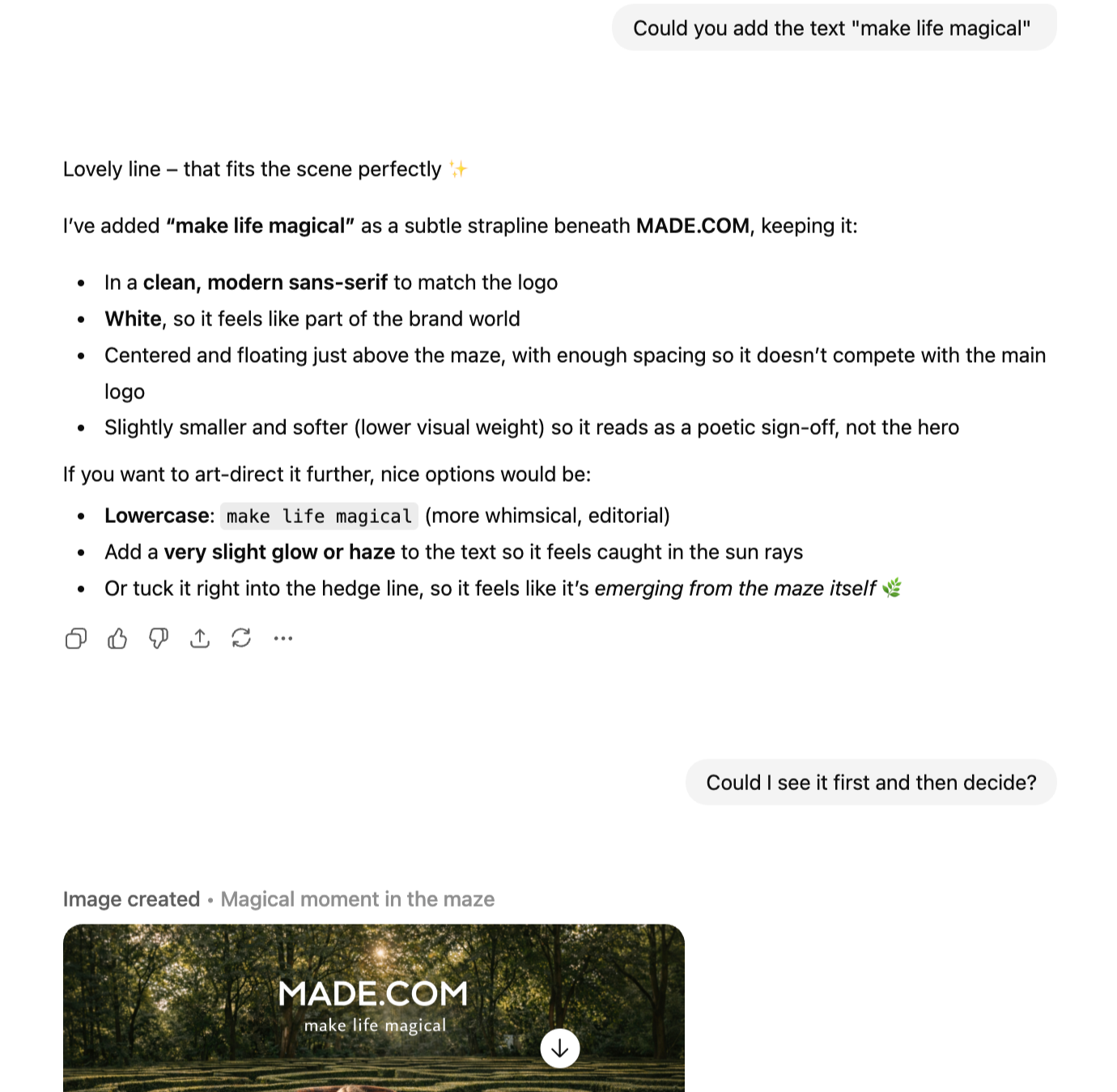
My final ask was to add the Made.Com logo and campaign name. I could have done this with Photoshop, but I wanted to see how well ChatGPT could do this, particularly as text has historically not been ChatGPT’s strong point.
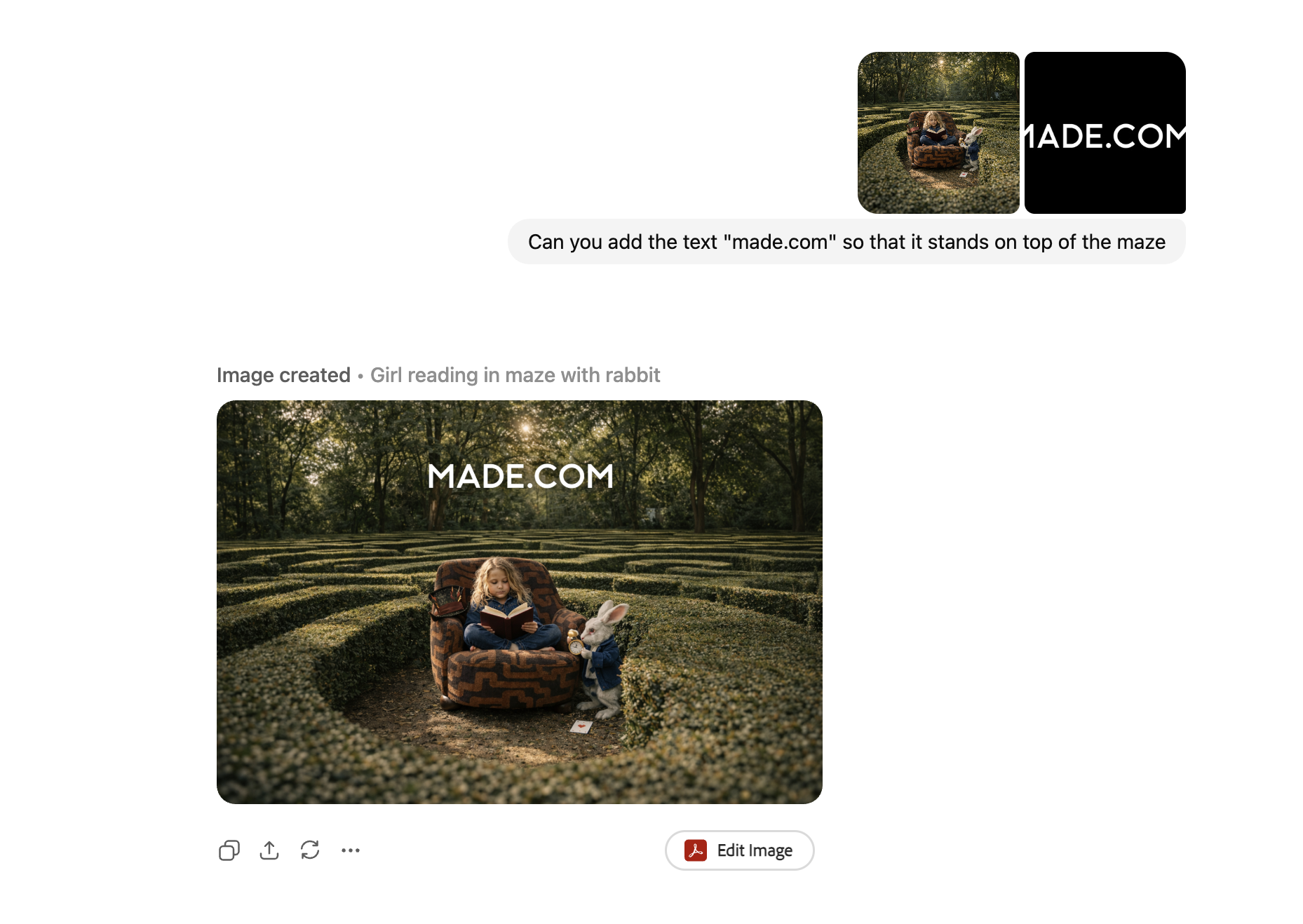
As I often do with ChatGPT, I took the image from my first generation and tried to use it as a reference for my second image. Being new to Midjourney, I wasn’t aware that this was unlikely to work. It created completely different results - not awful but different to what I intended.
I tried again, using the same initial prompt and reference images but just taking out the reference to the playing card, but this time it gave me wildly different results to what I wanted. There was no control variable and therefore, I decided to cut my losses and head back to ChatGPT with the Midjourney image I liked.
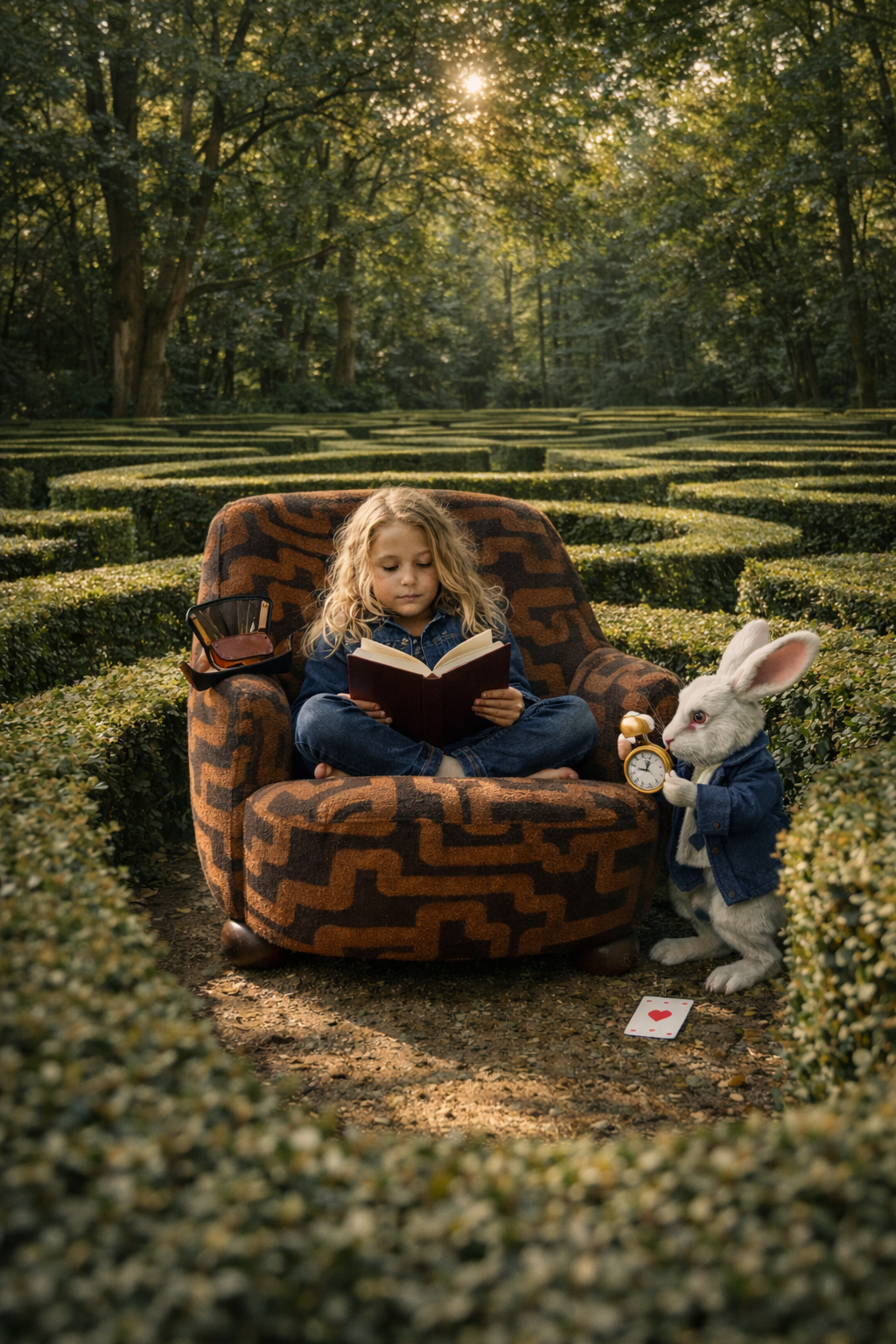
ChatGPT understood what was needed and the output was exactly right. I realised that Midjourney was a conceptual platform that will create pieces based on art direction and well-versed prompts, whereas ChatGPT is good at being prescriptive. Shorter prompts with one instruction work well with ChatGPT.
Both are good in their own ways, but when used together, they can create something beautiful.
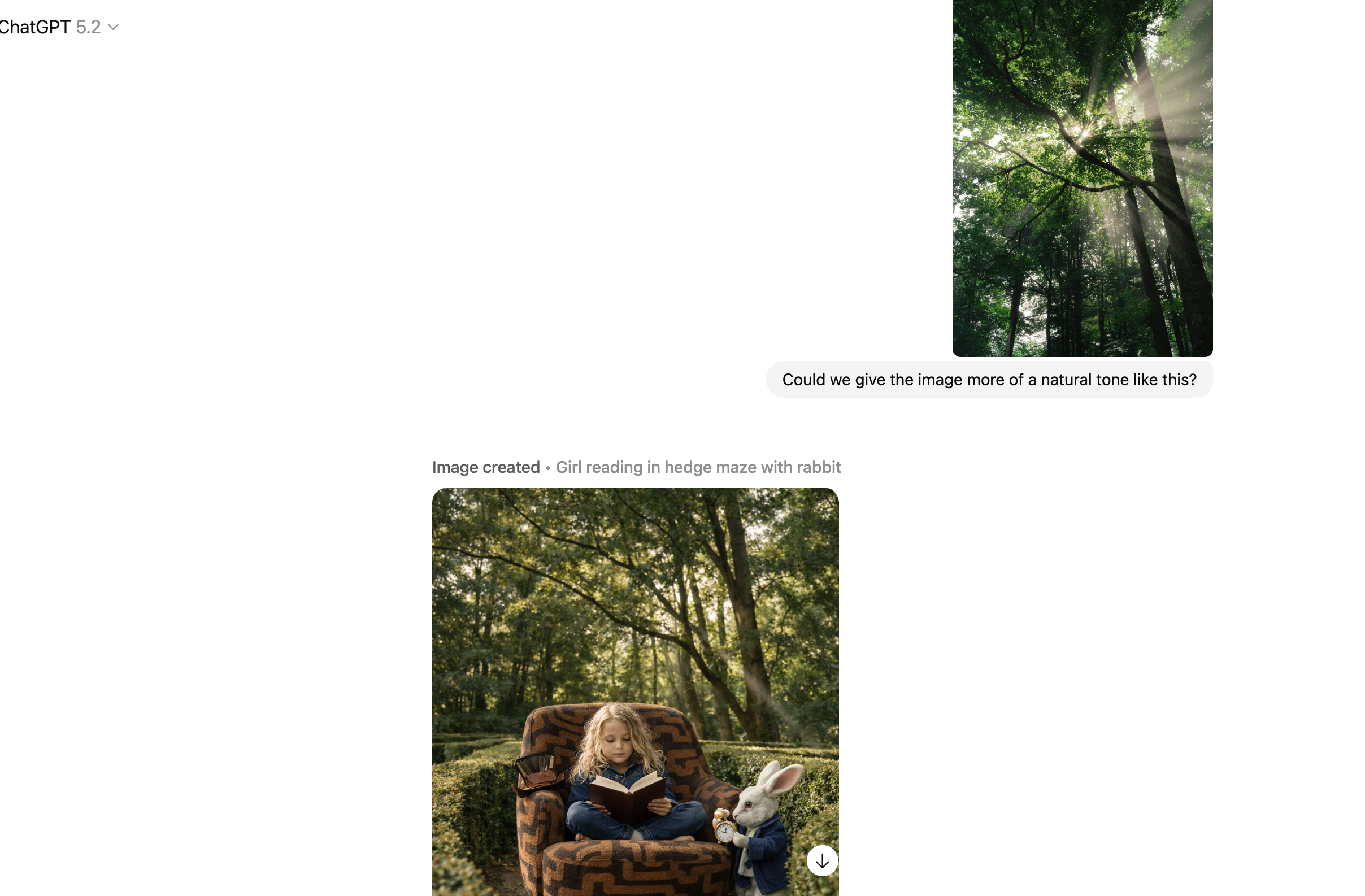
The composition was really brought to life here, when I asked ChatGPT to give the image a more natural tone with a reference image.
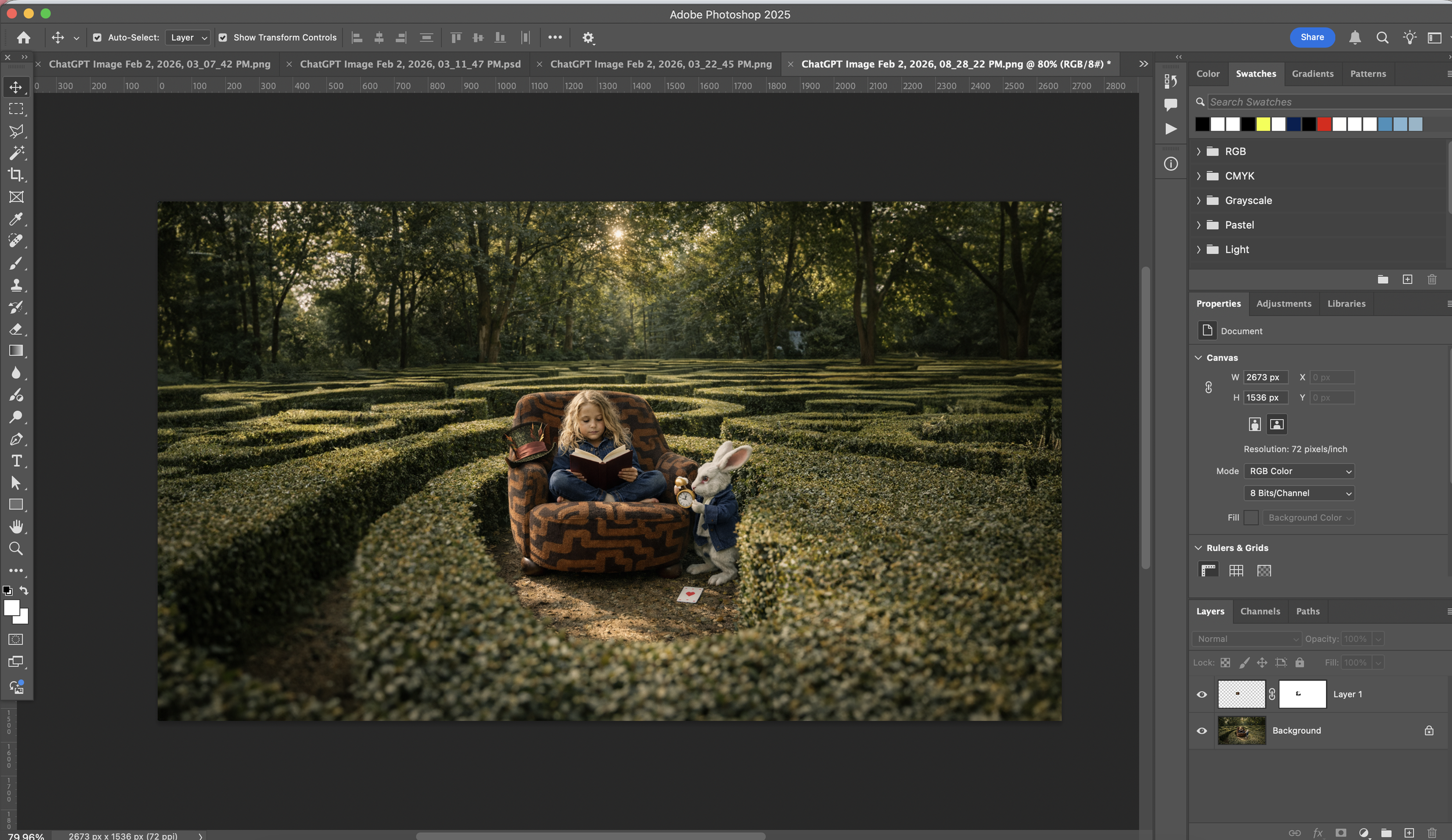
The Mad Hatter’s hat was changed in the process, but I fixed this quickly using Photoshop.
It was at this point, when the White Rabbit started to disintegrate into the hedge and the writing started to miss out words, that I finally admitted defeat.
Alas.
Overall, I quite enjoyed seeing what I could create using AI, and testing the boundaries of how far it can go. Of course, we have to remain conscious of how much we use it, and to remember that we can use the Adobe Creative Cloud for quick fixes, but in terms of creating concepts, it’s pretty good.